;fill-rule:nonzero;stroke:%23000;stroke-width:48.7px;'/%3e%3cdefs%3e%3clinearGradient%20id='_Linear1'%20x1='0'%20y1='0'%20x2='1'%20y2='0'%20gradientUnits='userSpaceOnUse'%20gradientTransform='matrix(2406.25,-2101.13,2101.13,2406.25,1086.43,2157.14)'%3e%3cstop%20offset='0'%20style='stop-color:%232d1f30;stop-opacity:1'/%3e%3cstop%20offset='1'%20style='stop-color:%239f5060;stop-opacity:1'/%3e%3c/linearGradient%3e%3c/defs%3e%3c/svg%3e)

Media center remote
The media center remote is a  Home automation integration
device for receiving signals from an infrared remote controller and dispatching commands to
multiple devices through direct serial connections and webservice calls. This project uses the
ESPHome framework, which has made it so much easier to
develop, debug and monitor standalone IoT devices.
Home automation integration
device for receiving signals from an infrared remote controller and dispatching commands to
multiple devices through direct serial connections and webservice calls. This project uses the
ESPHome framework, which has made it so much easier to
develop, debug and monitor standalone IoT devices.
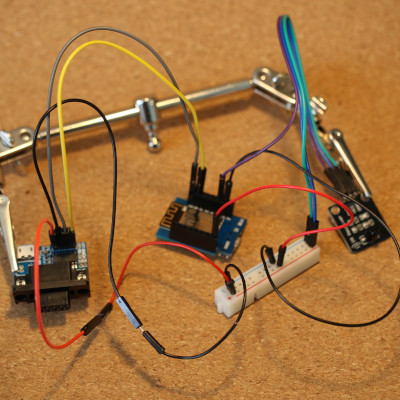
Using an ESP8266, an infrared receiver module, and a RS-232 to TTL UART converter module, this integration device is able to:
- Recieve and decode a variety of infrared signals
- Dispatch JSON-RPC calls to a Kodi instance over the network
- Send RS-232 control codes to a connected television
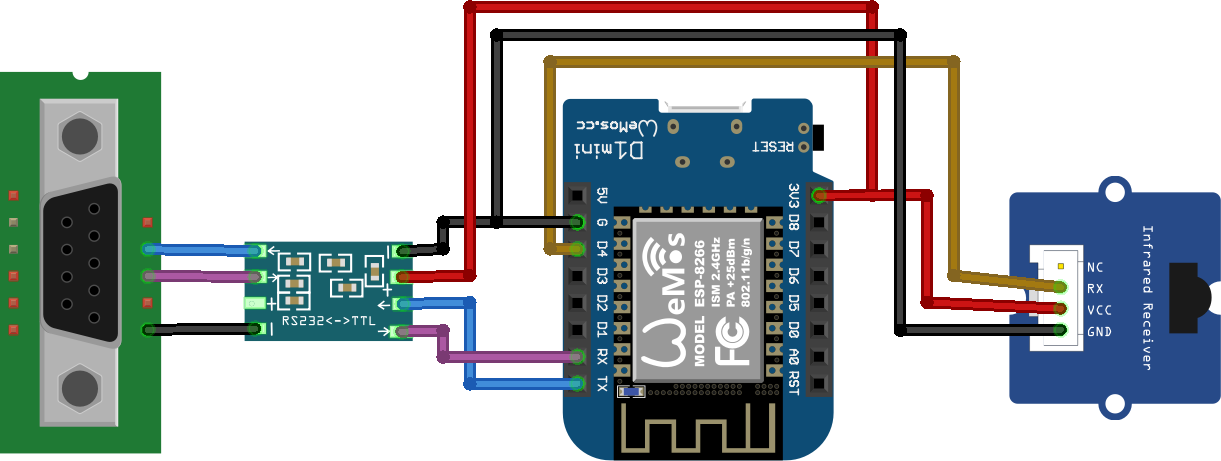
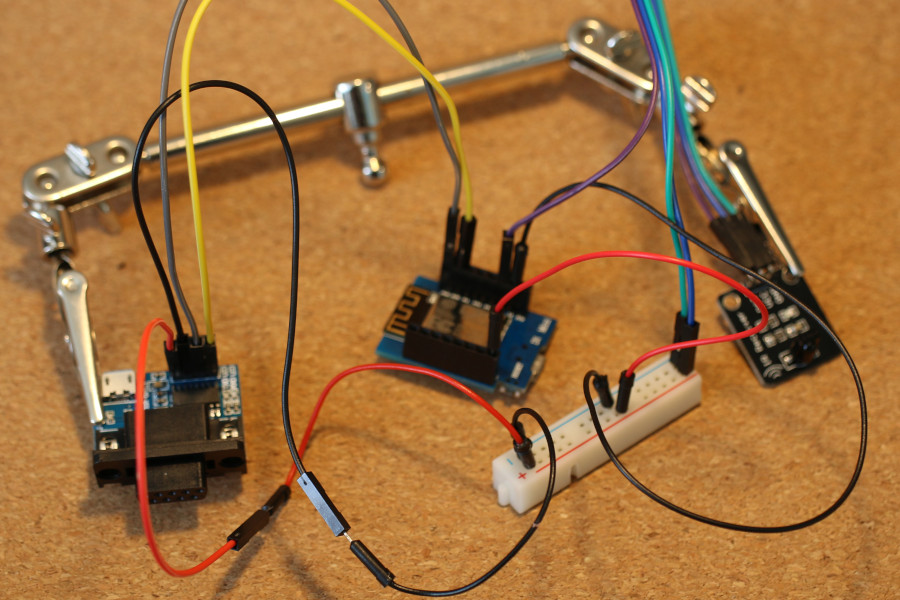
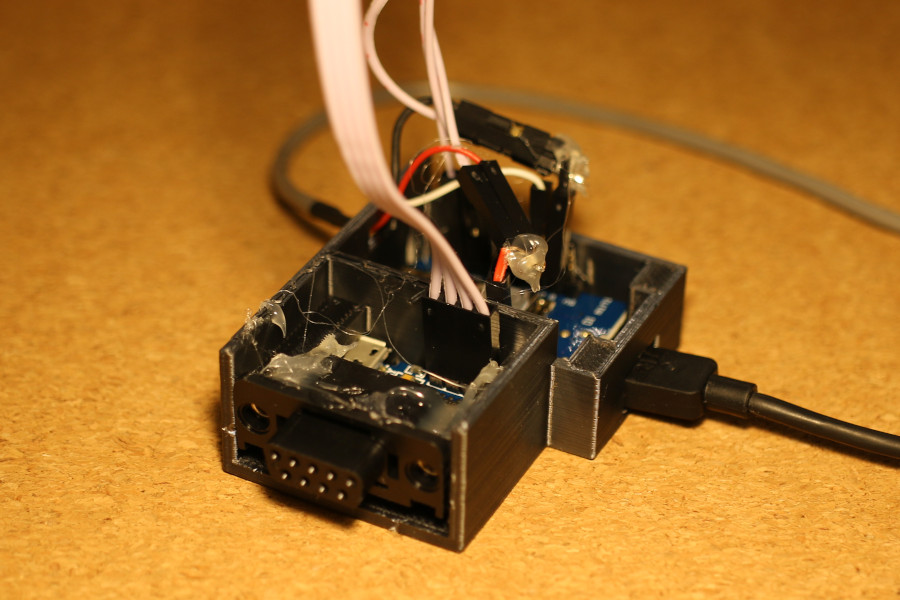
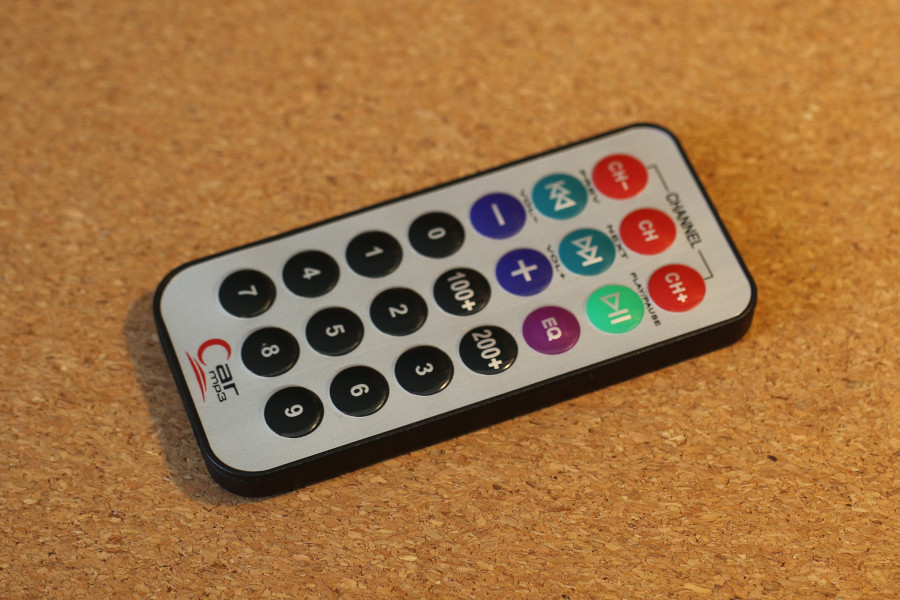
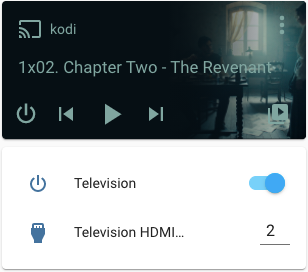
In addition to the individual articles below, the full ESPHome configuratio is available in my media-center-remote gist on GitHub.
Stage 1: Media center remote: Infrared receiver
Setting up a basic ESPHome configuration to receive and decode infrared signals
Stage 2: Media center remote: Kodi integration
Automations for reacting to infrared signals by dispatching JSON-RPC calls to Kodi
Stage 3: Media center remote: Television integration
Automations for reacting to infrared signals by sending RS-232 control codes to a television
Next steps
The Car MP3 remote controller works, but the grid of identical buttons makes it difficult to use without looking at it. The next step will be to either replace it with another remote controller, or to build a new body around the existing one with a different button layout.
If you have feedback or questions about this article, let's catch up via email.

 All articles
 About Sinclair Studios