;fill-rule:nonzero;stroke:%23000;stroke-width:48.7px;'/%3e%3cdefs%3e%3clinearGradient%20id='_Linear1'%20x1='0'%20y1='0'%20x2='1'%20y2='0'%20gradientUnits='userSpaceOnUse'%20gradientTransform='matrix(2406.25,-2101.13,2101.13,2406.25,1086.43,2157.14)'%3e%3cstop%20offset='0'%20style='stop-color:%232d1f30;stop-opacity:1'/%3e%3cstop%20offset='1'%20style='stop-color:%239f5060;stop-opacity:1'/%3e%3c/linearGradient%3e%3c/defs%3e%3c/svg%3e)

CHCon 2025 Badge Challenge
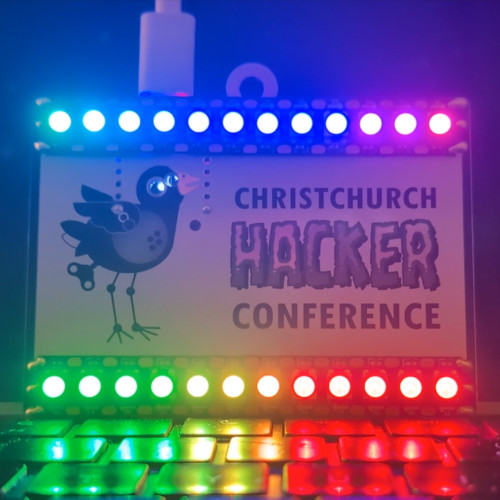
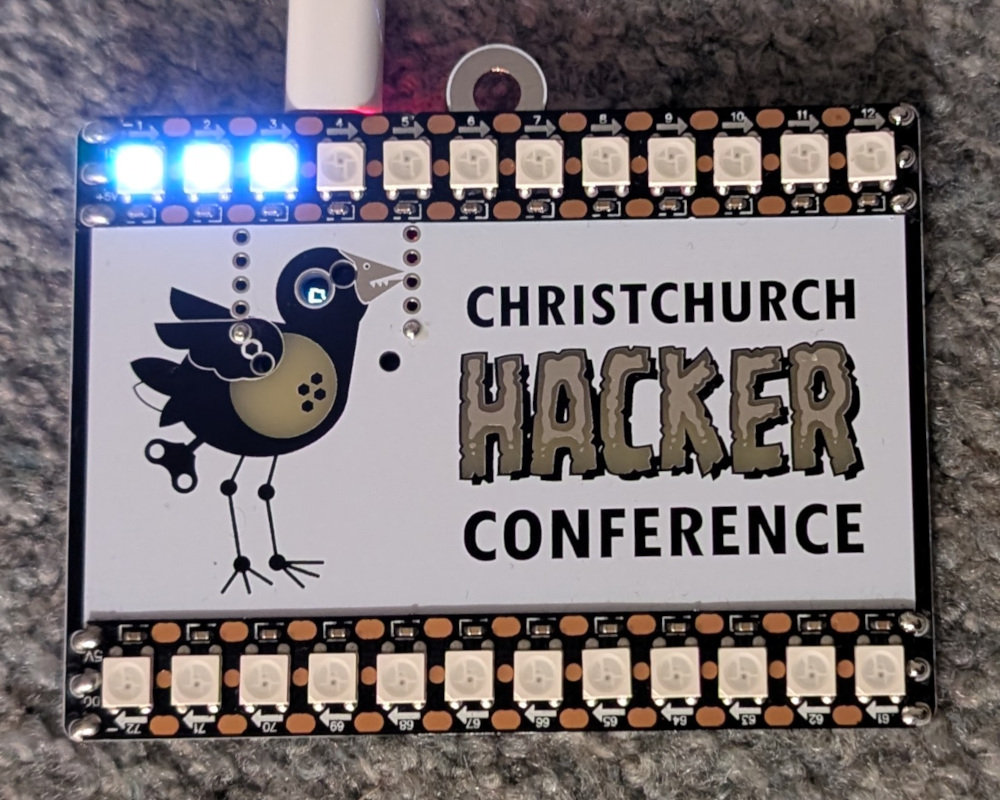
CHCon 2025's attendee badges were a real treat - a circuit board with an ESP32-C3 and LED strips, showing different patterns depending on how far you progressed through the badge challenge.
The Badge
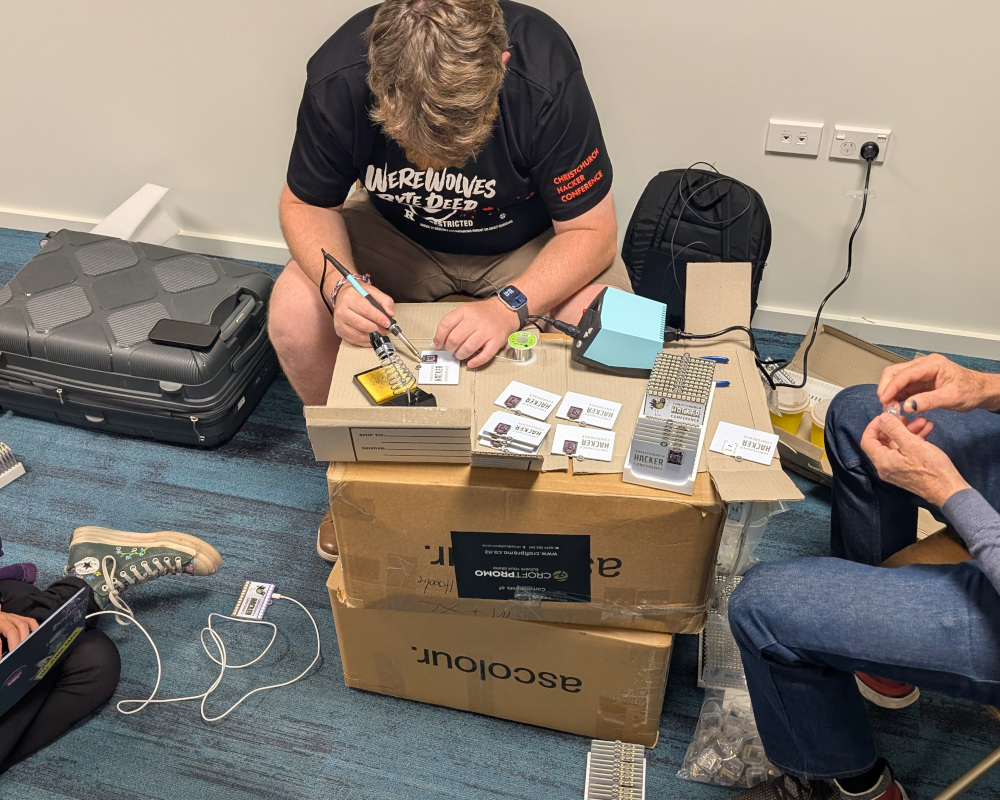
This year's badge was designed and built by Jeremy Stott (stoggi), who worked overnight to assemble all of the badges after a late arrival due to a customs delay.
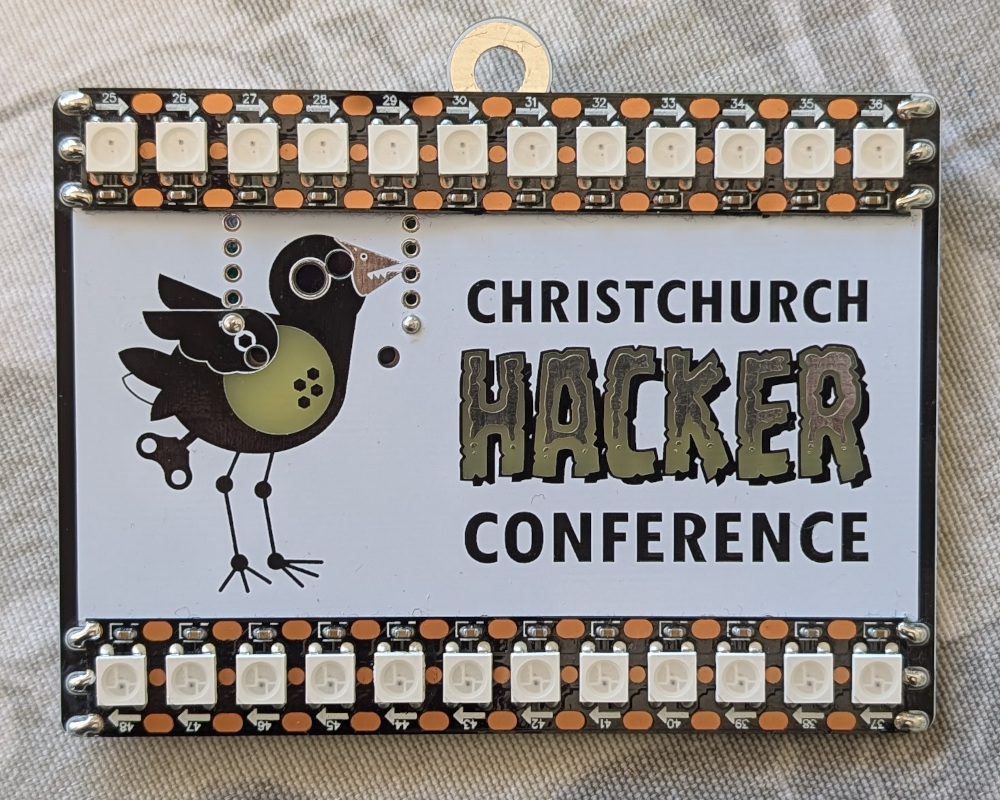
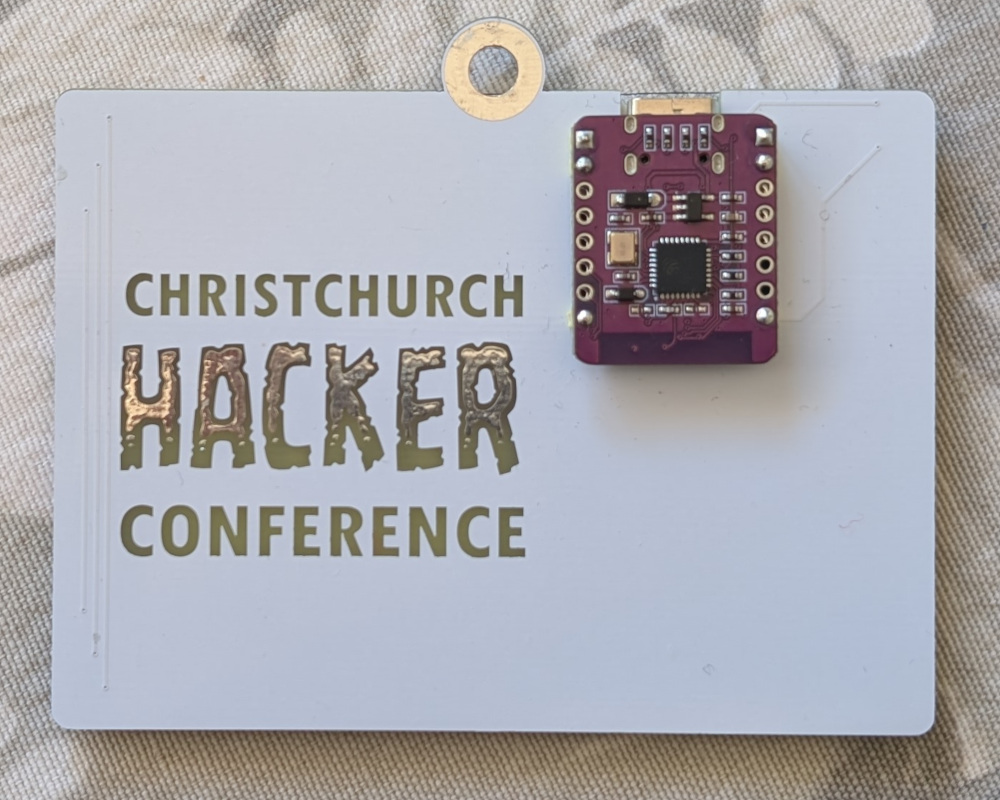
The badges were made up of a custom circuit board base, an ESP32-C3 with a mounted OLED screen (like this one), and two LED strips (each with 12 individually addressable RGB LEDs). The ESP32-C3 has a USB-C p ort, making it trivial to power the badge from a battery bank, or mobile phone.
Spoilers ahead!
The rest of this article contains hints and spoilers, hover over an individual spoiler for a few seconds to reveal it, or press the nearby button to reveal all nearby spoilers.
Stage 1: Initial access
We start by connecting the badge to a computer via USB cable. Be aware of the risks of
plugging in USB devices you are given; especially computer security conferences. The device
exposes an emulated serial port; on my MacBook it showed up as
/dev/tty.usbmodem101, which I could connect to using
screen:
$ screen /dev/tty.usbmodem101 Enter passwordle: The badge illuminates various LEDs in response to failed login attempts, using a Wordle pattern. Through the LEDs you can work out how many characters the password is, and the position of each letter. The password is made up of characters from the ASCII printable characters set.
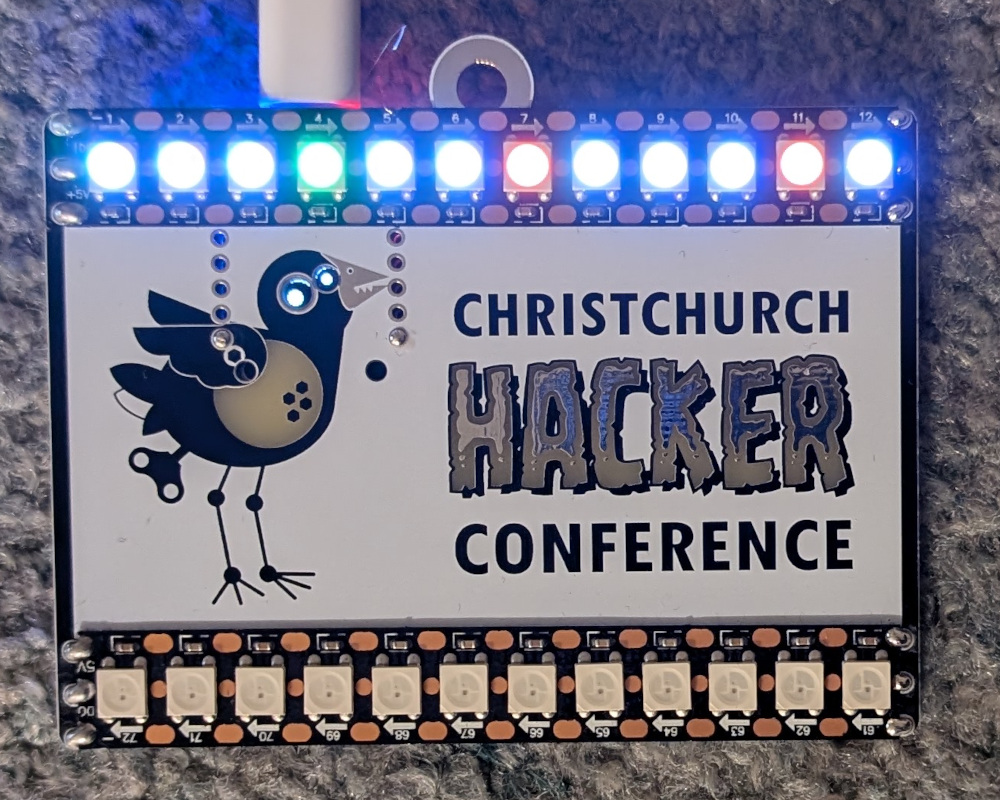
1234ABCDabcd. 4 is in the
correct position, C and c must be
in different positions.
Stage 2: Superuser access
After logging in to the badge, we have options for choosing an LED pattern or defining a new one, as well as activating a Minecraft server (which requires WIFI and superuser access).
The superuser login provides no useful feedback, but there's a hint hidden inside the LED pattern help docs, suggesting that the password can be discovered by navigating the initial stack of a new pattern. Fortunately there's an example of how to take advantage of this, by taking an ASCII character and representing it in binary using the first eight LEDs.
Here's the code that I was able to use to retrieve the first letter:
            # The initial stack includes the password [.., '?', '?']
LED_INDEX   # [.., '?', '?', led]
SHR         # [.., '?', shifted]
PUSH 1      # [.., '?', shifted, 1]
AND         # [.., '?', 0or1]
PUSH 255    # [.., '?', 0or1, 255]
MUL         # [.., '?', 0or255]
SET_PIXEL   # Pixels illuminate to 0or255 based on character's binary code
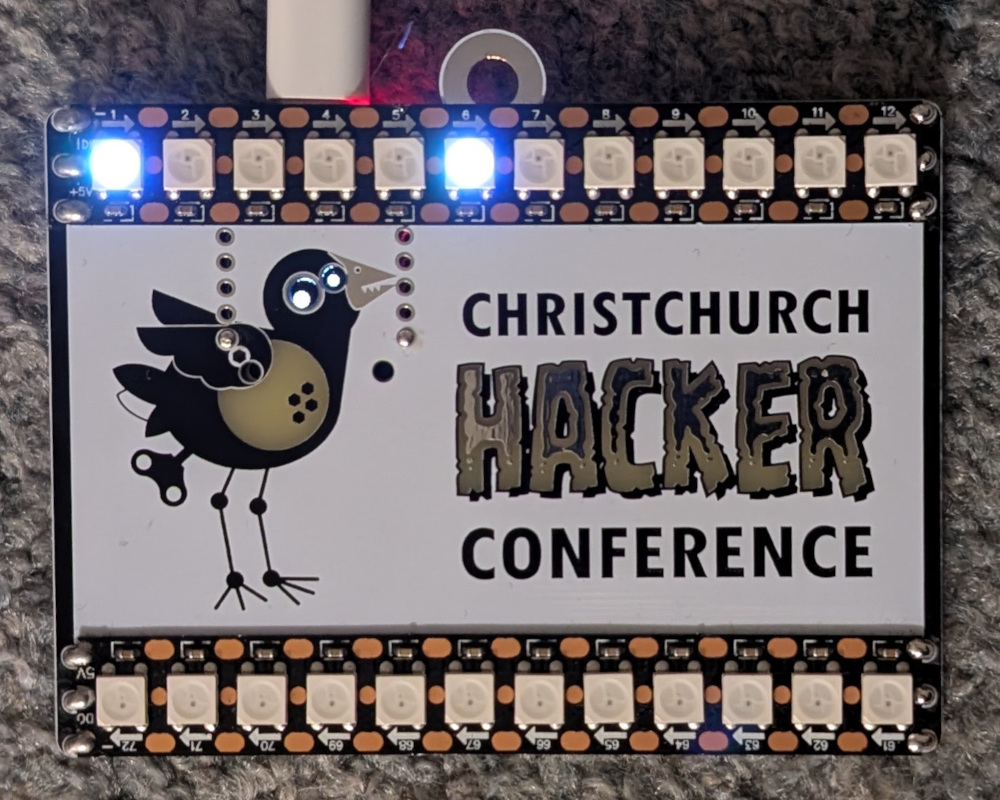
Then using a short terminal command to convertthe binary back to ASCII:
$ echo 00100001 | perl -lpe '$_=pack"B*",$_' !
...and then, prefacing the code with
POP lines to retrieve additional
letters until reaching the head of the stack.
Stage 3: Minecraft
This is where Jeremy's work really shines; the badge even supports a novelty Minecraft server, with a series of puzzles that integrate into the LEDs to follow your progress.
Activate Wifi and the Minecraft server, then run a Minecraft Java Edition client loaded with version 1.21.4 (I used sklauncher). The server is fragile and sometimes causes the ESP32 to panic and restart, so this stage can take time. Use a "direct connection" to connect directly to the server, instead of searching for network hosts.
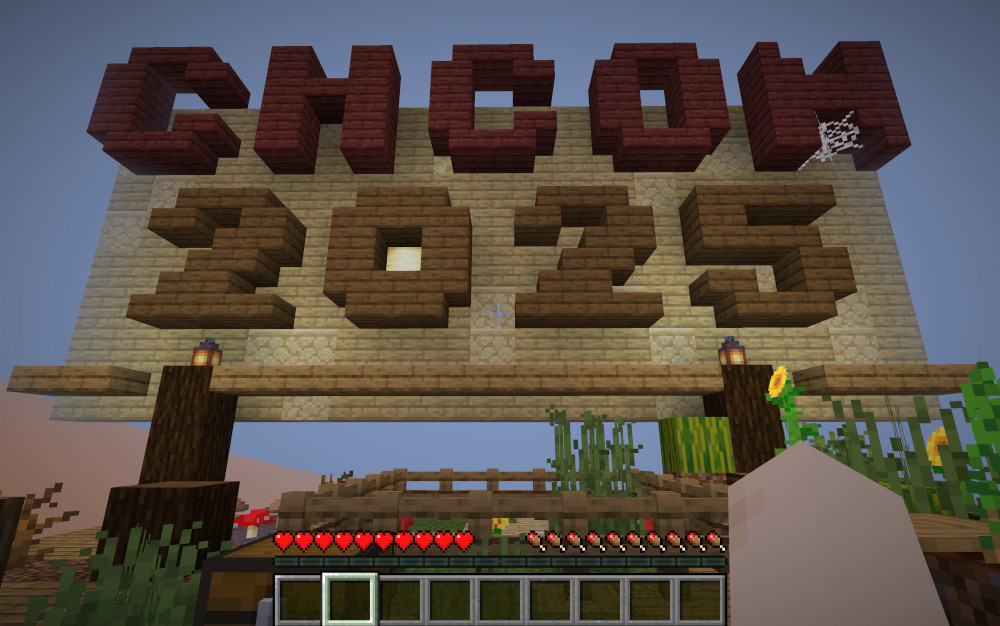
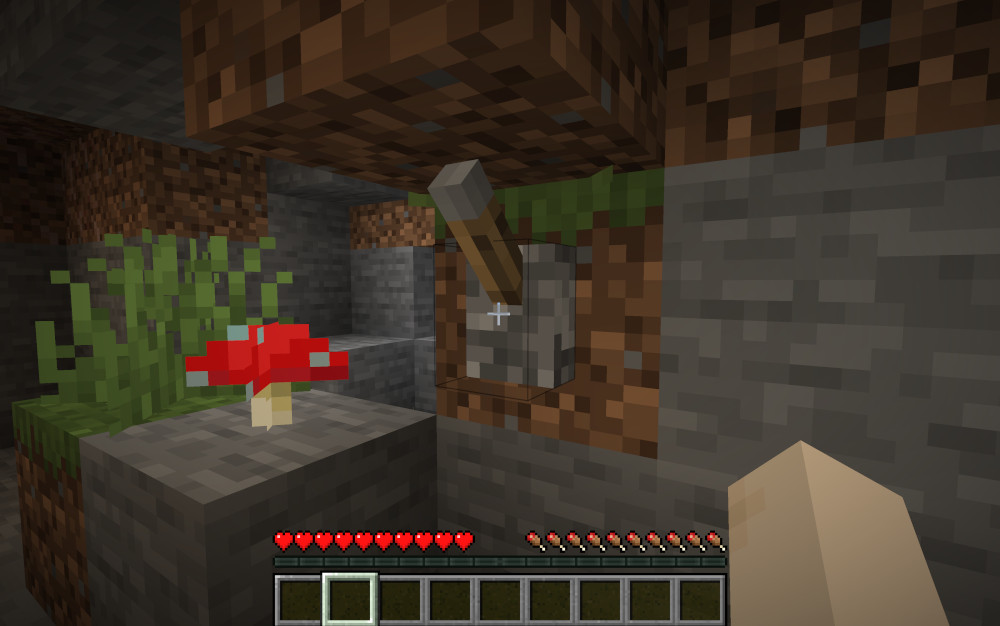
Once loaded, you appear near the top of a puzzle tower, and your goal is to activate the switch (or switches) on each level and find the hidden path to the level below. Start by heading up the steps to the top.
| Level | Switches | Exit |
| 0 | 3 | Walk back down some steps |
| 1 | 1 | Climb down a ladder |
| 2 | 1 | Climb down a vine |
| 3 | 1 | Open a trap door and swim down a water column |
| 4 | 1 | Swim further down a water column |
| 5 | 1 | Climb down a ladder |
| 6 | 1 | Climb down a ladder |
| 7 | 1 | Climb down a ladder |
| 8 | 1 | Climb down a ladder |
| 9 | 1 | Climb down a vine |
| 10 | 1 | Climb down a vine |
| 11 | 1 | Climb down a vine |
| 12 | 1 | Walk down some steps |
| 13 | 2 | Swim down a water column |
| 14 | 1 | Climb down a ladder |
| 15 | 6 | Drop down into the void |
Congratulations!
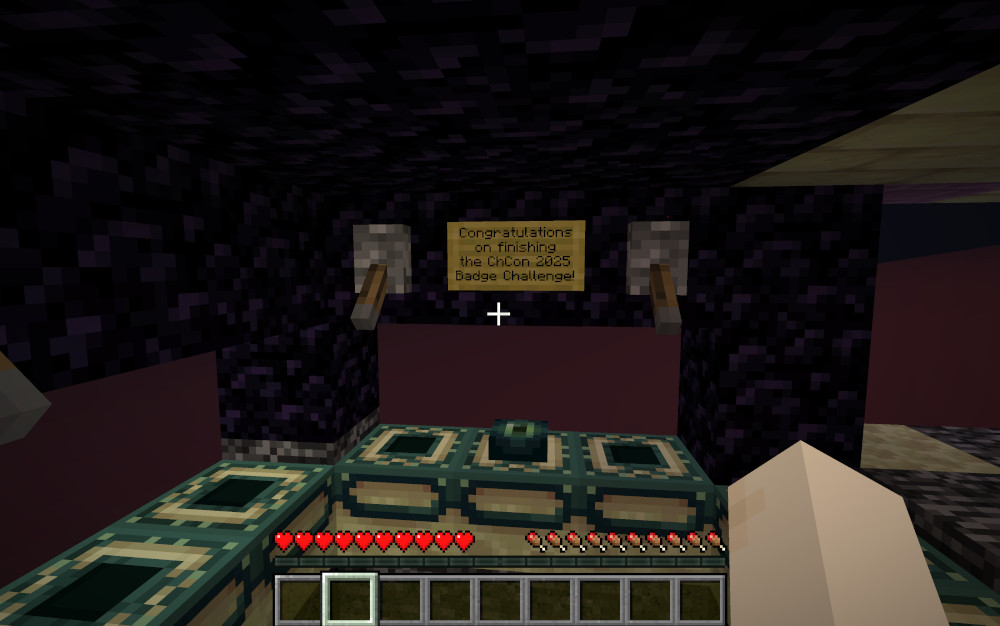
Once you've finished descending the tower, a final message awaits before you drop down into the void.
My congratulations to Jeremy and his collaborators, this was an accessible, engaging and multi-faceted challenge!
If you have feedback or questions about this article, let's catch up via email.

 All articles
 About Sinclair Studios