;fill-rule:nonzero;stroke:%23000;stroke-width:48.7px;'/%3e%3cdefs%3e%3clinearGradient%20id='_Linear1'%20x1='0'%20y1='0'%20x2='1'%20y2='0'%20gradientUnits='userSpaceOnUse'%20gradientTransform='matrix(2406.25,-2101.13,2101.13,2406.25,1086.43,2157.14)'%3e%3cstop%20offset='0'%20style='stop-color:%232d1f30;stop-opacity:1'/%3e%3cstop%20offset='1'%20style='stop-color:%239f5060;stop-opacity:1'/%3e%3c/linearGradient%3e%3c/defs%3e%3c/svg%3e)

Automation Bites
In Our Year of the Claude 2026, plan-based usage offers favourable value for money. Instead of charging per-token, these monthly plans grant limited usage during "session" and "weekly" windows.
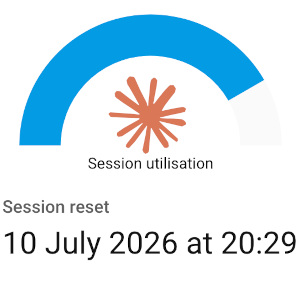
With session windows, you hit a usage limit without warning and may need to wait hours for the next window. This automation uses Node-RED and Home Assistant to track session usage and notify you when it resets.
This article is written with Claude Pro and Max plans in mind, but the process should be relatively transferable to other providers that have usage limts accessible via API call.

Getting session usage from Anthropic
Anthropic provides a usage endpoint at
https://api.anthropic.com/api/oauth/usage, which returns a JSON
object representing session (5-hour) usage, weekly (7-day) usage, and other usage metrics.
The API requires OAuth 2.0 authentication, so we will Capture a refresh token and use a refresh token flow in Node-RED to refresh its own access token. You will need:
-
A Client ID:
9d1c250a-e61b-44d9-88ed-5944d1962f5e(this is the current Claude Code client ID) - A refresh token: Review the locally managed authentication credentials documentation to find out where it's stored on your machine.
Home Assistant components
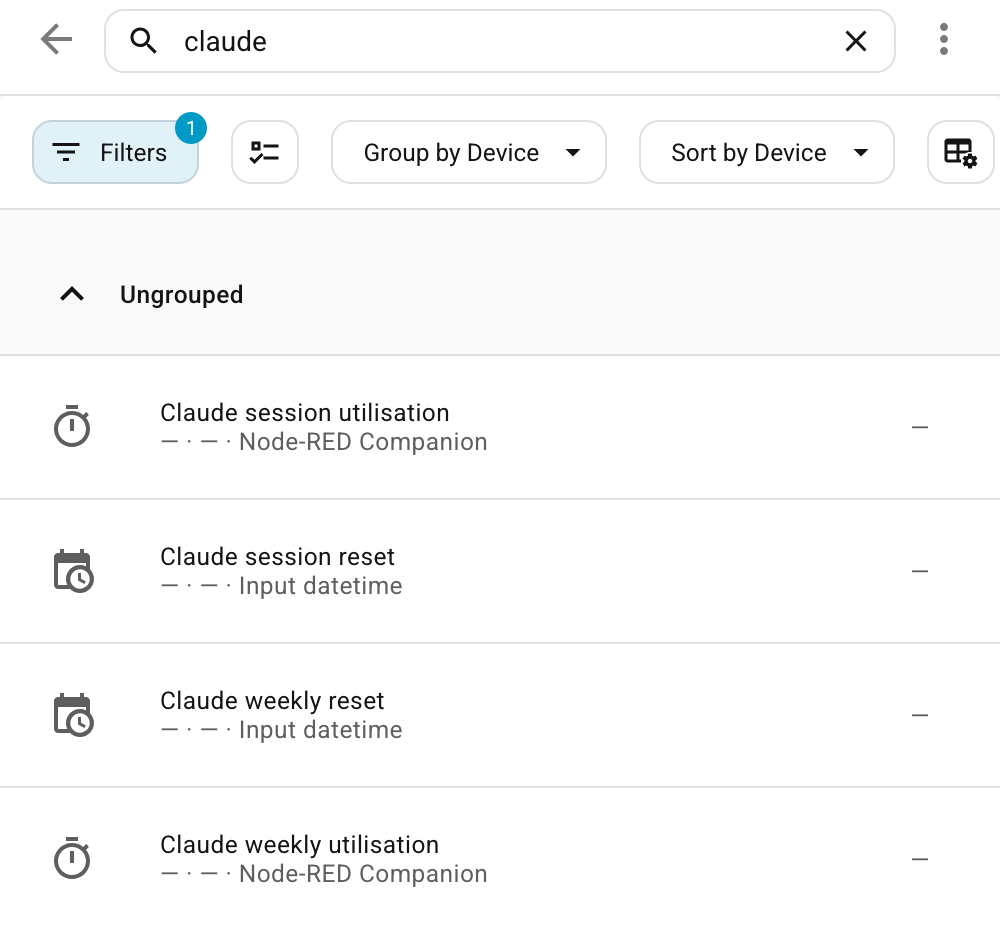
We need four new entities:
-
Two new
sensorentities, which we can add through Node-RED directly. -
Two new
input_datetimeentities, which we can add by following the input_datetime documentation.
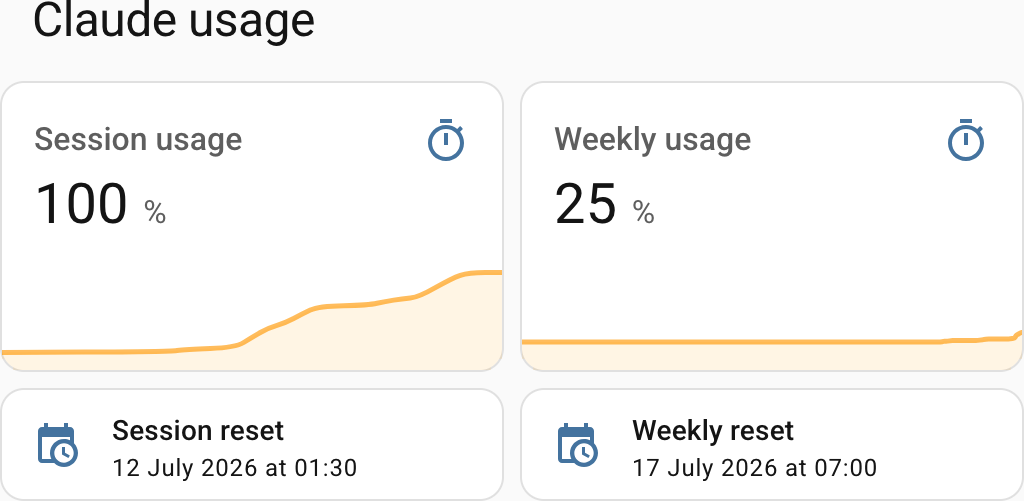
square: false
type: grid
cards:
  - graph: line
    type: sensor
    entity: sensor.claude_session_usage
    detail: 2
    name: Session usage
    unit: "%"
    hours_to_show: 5
    limits:
      max: 100
      min: 0
  - graph: line
    type: sensor
    entity: sensor.claude_weekly_usage
    detail: 2
    name: Weekly usage
    unit: "%"
    hours_to_show: 168
    limits:
      min: 0
      max: 100
  - type: tile
    features_position: bottom
    vertical: false
    name: Session reset
    entity: input_datetime.claude_session_reset
  - type: tile
    features_position: bottom
    vertical: false
    name: Weekly reset
    entity: input_datetime.claude_weekly_reset
title: Claude usage
columns: 2The Node-RED flow
Our Node-RED flow has three components:
- The auth flow, which routinely requests a new access token, and keeps track of the access and refresh token in global variables. Use the first "inject" node to seed the initial refresh token.
- The usage update flow, which routinely retrieves usage info and populates our four sensors.
- The notification flow, which sends a notification when the session usage is reset (if you've actively been using it).
This gives you session and weekly usage on your Home Assistant dashboard, with a notification when your session resets.
What's next?
With these sensors in Home Assistant, you can build on top of the usage data, such as:
- Running automations to limit background agent activity when the usage gets too high.
- Using physical outputs to represent usage and reset times, such as LED strips and 7-segment displays.
- Historical usage analytics. Work out when you burn through your usage the fastest, and how often you hit session and weekly limits.
Happy clauding!
If you have feedback or questions about this article, let's catch up via email.

 All articles
 About Sinclair Studios